ATAG

Warranty

Warranty

Contact Us

Contact Us

Products

Find your perfect boiler

Find your perfect boiler

iC Economiser combination

iC Economiser combination

iC Combination

iC Combination

iS System

iS System

iR Regular

iR Regular

Smart controls & thermostats

Smart controls & thermostats

Cylinders

Cylinders

Heat pumps

Heat pumps
Coming 2026

Electric boilers

Electric boilers
Coming 2026

Support & Advice

Support Hub

Support Hub

Product manuals

Product manuals

Troubleshooting

Troubleshooting

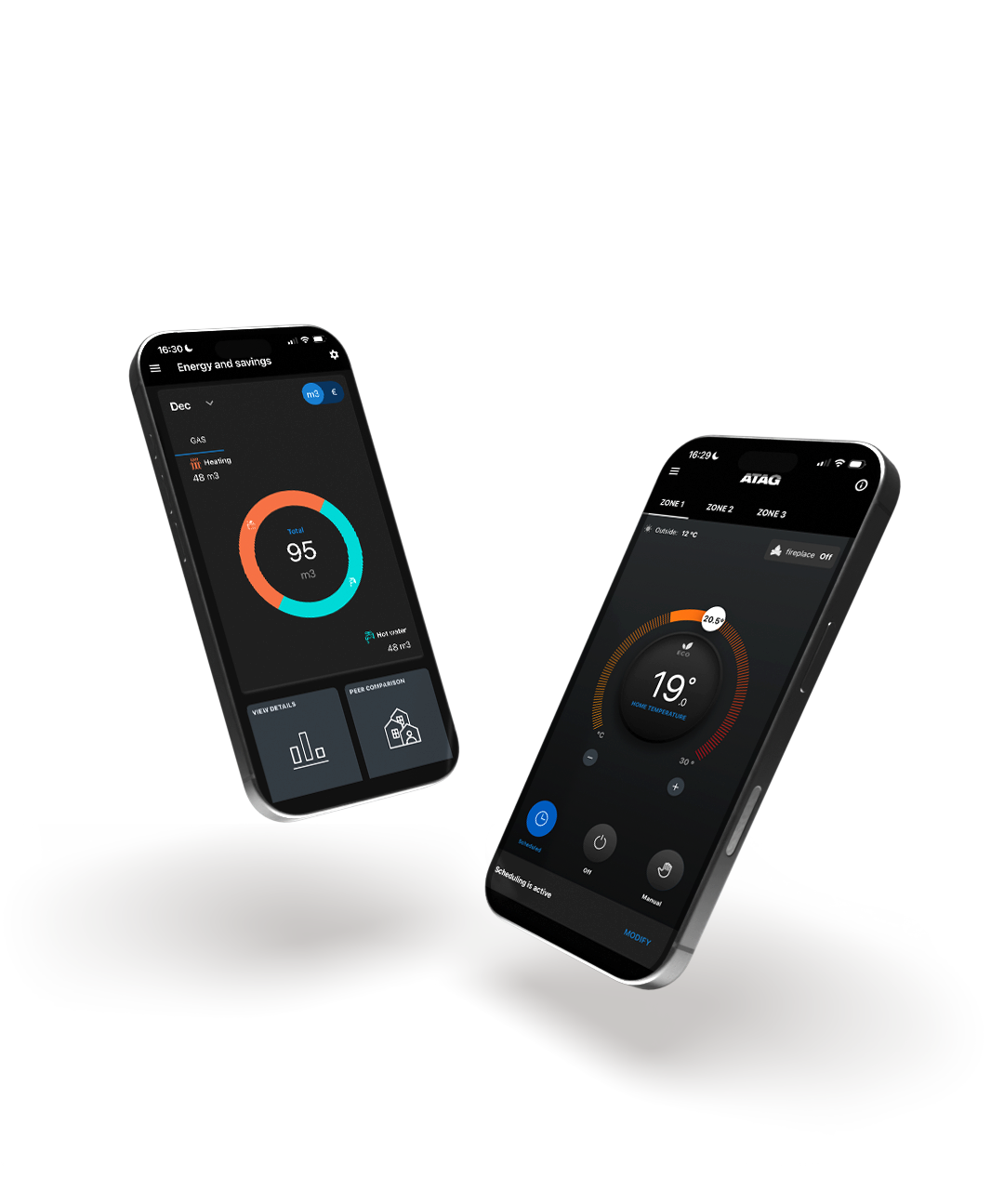
ATAG Zone app

ATAG Zone app

ATAG ONE Zone

ATAG ONE Zone

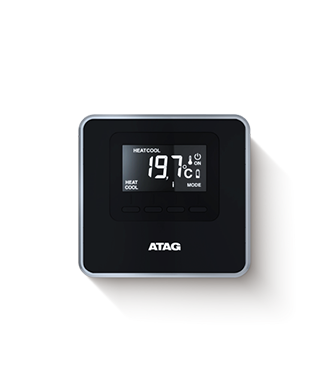
ATAG Cube

ATAG Cube

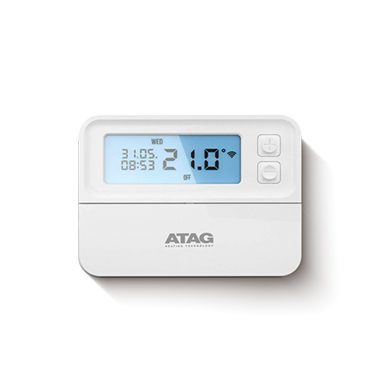
ATAG Roomstat

ATAG Roomstat

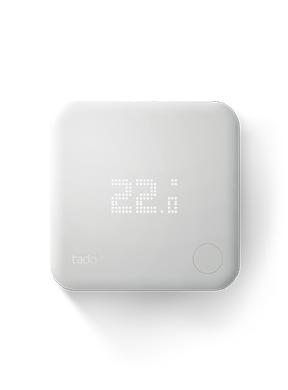
TADO v3

TADO v3

FAQs

FAQs

Winter boiler care

Winter boiler care

Radiators

Radiators

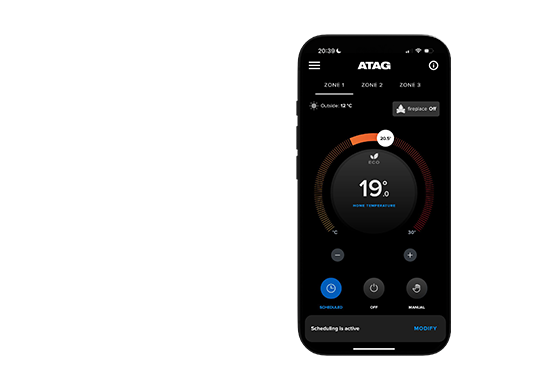
Image of two mobile phones showing the ATAG Zone app

ATAG Zone

app support

Helping get you back to warm, and up-to-date with the latest ATAG Zone app.
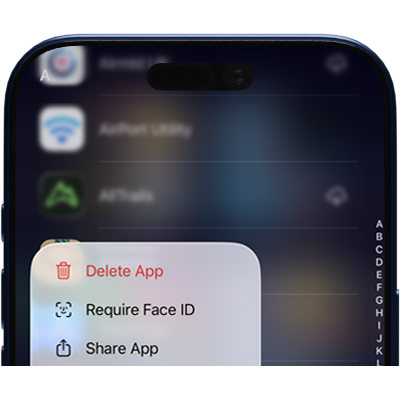
How to:

Update the app
Uninstall the app
Uninstall the app
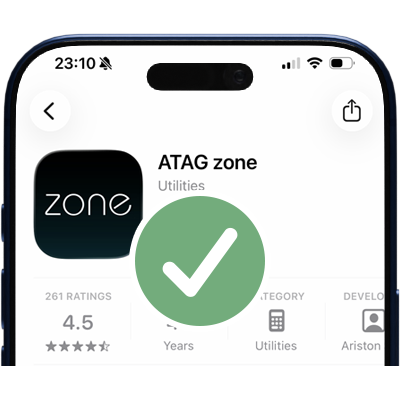
Search in your app store
Search for 'ATAG Zone' in the app store
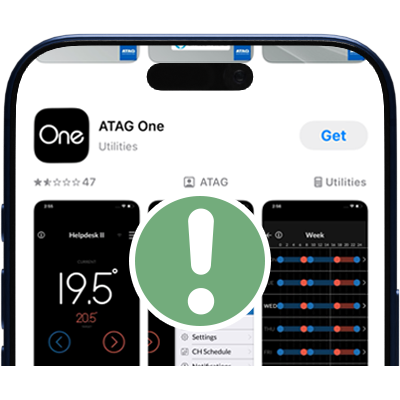
Download the correct one
Make sure it's not 'ATAG One'
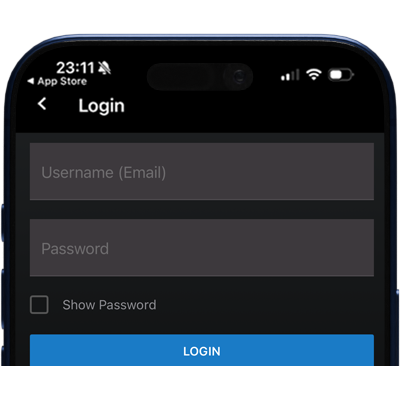
Login!
Login!
Can't connect?

Reset the thermostat

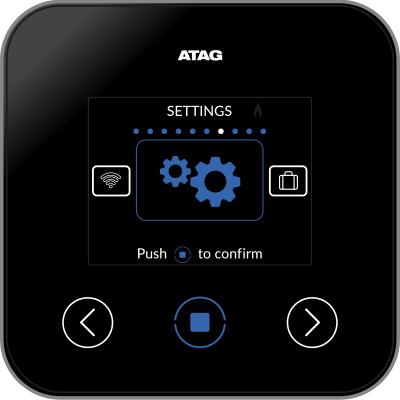
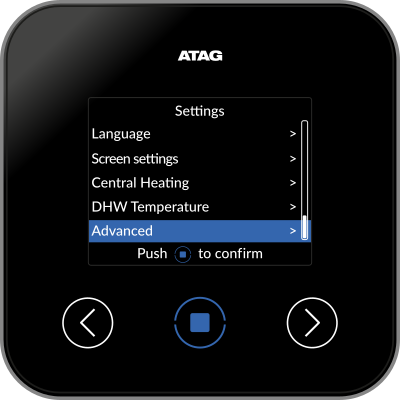
Settings
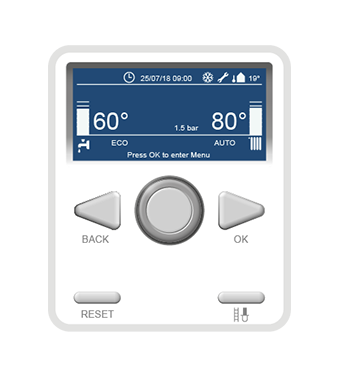
Go to SETTINGS on the controller. Press the centre button to open the menu and scroll right using the arrow until the settings option appears. Push the centre button to confirm.
Advanced
Select Advanced.
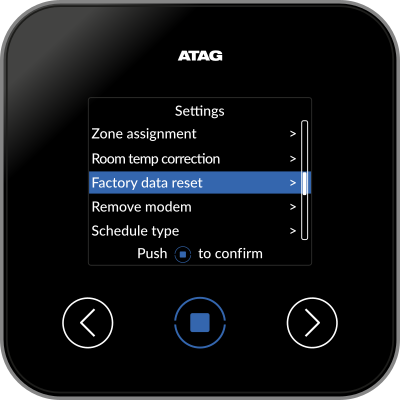
Factory data reset
Select Factory data reset.

Followed by YES to confirm reset.
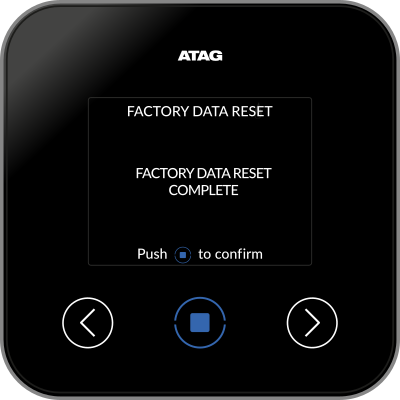
Factory data reset complete
The factory data reset complete message will appear and the device will return to the splash screen enabling you to restart the process from the beginning.
Password reset
To reset your password please click the 'did you forget your password' link on the login page (check the junk folder if you don't see the new password email in your inbox).

Create a strong password

Image of a large number 8
Minimum of eight characters
Image of a large capital letter A
At least one capital letter
Image of a large number 0
At least one number
Image of a large & symbol
And at least one special character